Career
How to Build a Strong UI/UX Portfolio
No client projects yet? You can still build a high-impact portfolio. Here’s what to include, which projects to create, and how to get discovered.
 Ajmain Fayek
3 min read
Ajmain Fayek
3 min read
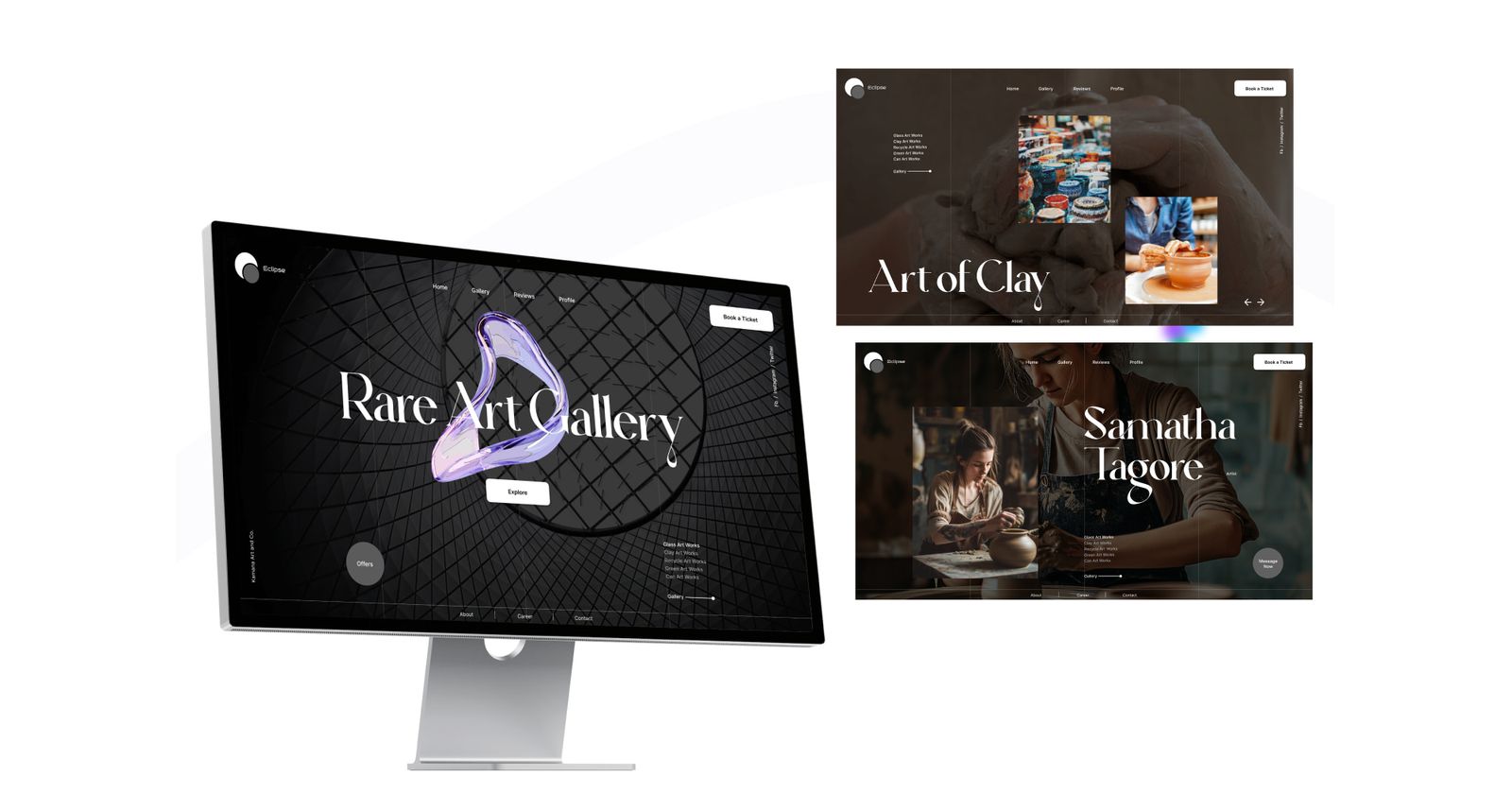
A UI/UX designer’s portfolio is their most valuable asset. Whether you’re looking for freelance work, a full-time job, or just recognition in the design community, your portfolio proves your skills, thought process, and problem-solving abilities.
But what if you don’t have real-world projects from clients? Can you still create a high-impact UI/UX portfolio? Absolutely!
This guide will walk you through building a compelling UI/UX portfolio—even if you’re just starting out—with real-world case study ideas, project structuring techniques, and expert tips to attract recruiters, clients, and design enthusiasts.
1. The Core Elements of a Winning UI/UX Portfolio
Before diving into how to create portfolio-worthy projects, let’s break down the must-have elements of a strong UI/UX portfolio:
- Homepage (introduction & personal branding)
- 3–5 high-quality case studies (not just UI screenshots!)
- Process walkthrough (research, wireframes, testing, UI design, etc.)
- Before & after comparisons (show how you improved UX/UI)
- Interactive prototypes (Figma, Framer, Adobe XD, etc.)
- About page (highlight your unique approach)
- Contact & social proof (LinkedIn, Dribbble, Behance, etc.)
Now, let’s explore how to create impressive projects without client work.
2. Portfolio-Worthy Projects You Can Do Without Clients
A. Redesign existing products (UX case study approach)
One of the best ways to showcase your skills is by picking a well-known app or website and improving its UX. Recruiters love seeing how you analyze problems and create solutions.
Steps to follow:
- Choose an app/website with usability issues (e.g., a government website, old e-commerce platform, or a confusing booking system).
- Analyze pain points (use heuristic evaluations, user feedback, or personal experience).
- Create wireframes & user flows to show improvements.
- Design a modern UI while keeping usability in mind.
- Write a case study explaining your research, process, and final designs.
Example: “Redesigning the UI/UX of Airbnb’s Booking Flow to Reduce Drop-offs”
B. Solve real-world UX problems (self-initiated case study)
Find everyday UX challenges and create a problem-solving UI/UX project. For example:
- Improve the UX of a local ride-sharing app.
- Design a grocery shopping app for elderly users.
- Create a case study on improving accessibility for a government website.
C. Participate in UI/UX challenges (Dribbble, Behance, UX competitions)
Platforms like Daily UI, UX Challenges, and hackathons give you realistic briefs that mimic client projects.
D. Design a concept product (passion project)
Create a fictional product that solves a real-world problem.
Example: A mental health app for Gen Z, an AI-powered travel planner, or a productivity dashboard.
Pro tip: Make sure every project includes UX research, user personas, wireframes, UI design, and usability testing insights.
3. Writing a Case Study That Stands Out
A strong case study is not just about pretty visuals—it should demonstrate your design thinking. Follow this structure:
1. The problem statement
- What problem are you solving?
- Why is this problem important?
2. Research & user insights
- Competitive analysis & user feedback
- User personas & empathy mapping
3. Wireframes & user flows
- How does the user navigate through the experience?
- Include wireframes/sketches.
4. Visual design & UI decisions
- Colors, typography, branding choices
- Accessibility considerations
5. Usability testing & improvements
- What worked? What needed iteration?
- Include before & after screenshots.
6. Final outcome & key takeaways
- What did you learn?
- Link to an interactive prototype (Figma, Framer, etc.)
4. Best Platforms to Showcase Your UI/UX Portfolio
- Personal website (best for branding) – use Webflow, Framer, or WordPress.
- Dribbble & Behance (best for UI showcases)
- Medium (best for UX case studies & blogs)
- LinkedIn (best for professional networking & visibility)
- GitHub (best for developers in UI/UX)
Pro tip: If you don’t have coding skills, use Notion, Framer, or Wix to build your portfolio quickly.
5. SEO Tips to Get Discovered by Recruiters & Clients
A. Optimize your portfolio for Google Search
- Use SEO-friendly keywords in project titles & descriptions (e.g., “Redesigning Airbnb’s UX for Better Conversions”).
- Add meta descriptions and alt text to images.
- Get backlinks from LinkedIn, Medium, and design communities.
B. Use LinkedIn to rank higher in search
- Add “UI/UX Designer” + relevant skills in your LinkedIn headline.
- Post UI/UX case studies with problem-solving insights.
- Engage in UI/UX discussions & share design insights.
Final Thoughts: Take Action & Start Now
Even without clients, you can create a UI/UX portfolio that stands out by showcasing problem-solving skills, design thinking, and practical projects.
Actionable steps:
- Choose 3 case study projects from the list above.
- Follow the case study structure to document your process.
- Upload projects to a personal website, Behance, and Dribbble.
- Optimize your LinkedIn & SEO to attract job opportunities.
- Keep improving—UI/UX is a journey, not a destination!
Need inspiration? Check out top UI/UX designers on Dribbble & Behance and start crafting your unique design story.